How to Make Google Review Nfc Card Fast in 2026?
How to Make Google Review Nfc Card Fast in 2026? Start with one fact: most customers won’t search for your business name, scroll to your profile, and manually leave a review unless the process takes under 10 seconds. In physical locations, every extra tap cuts conversion, which is why NFC review cards have become one of the fastest ways to increase review volume without awkwardly asking twice.
Best Google Review NFC Cards in 2026
We researched and compared the top options so you don't have to. Here are our picks.
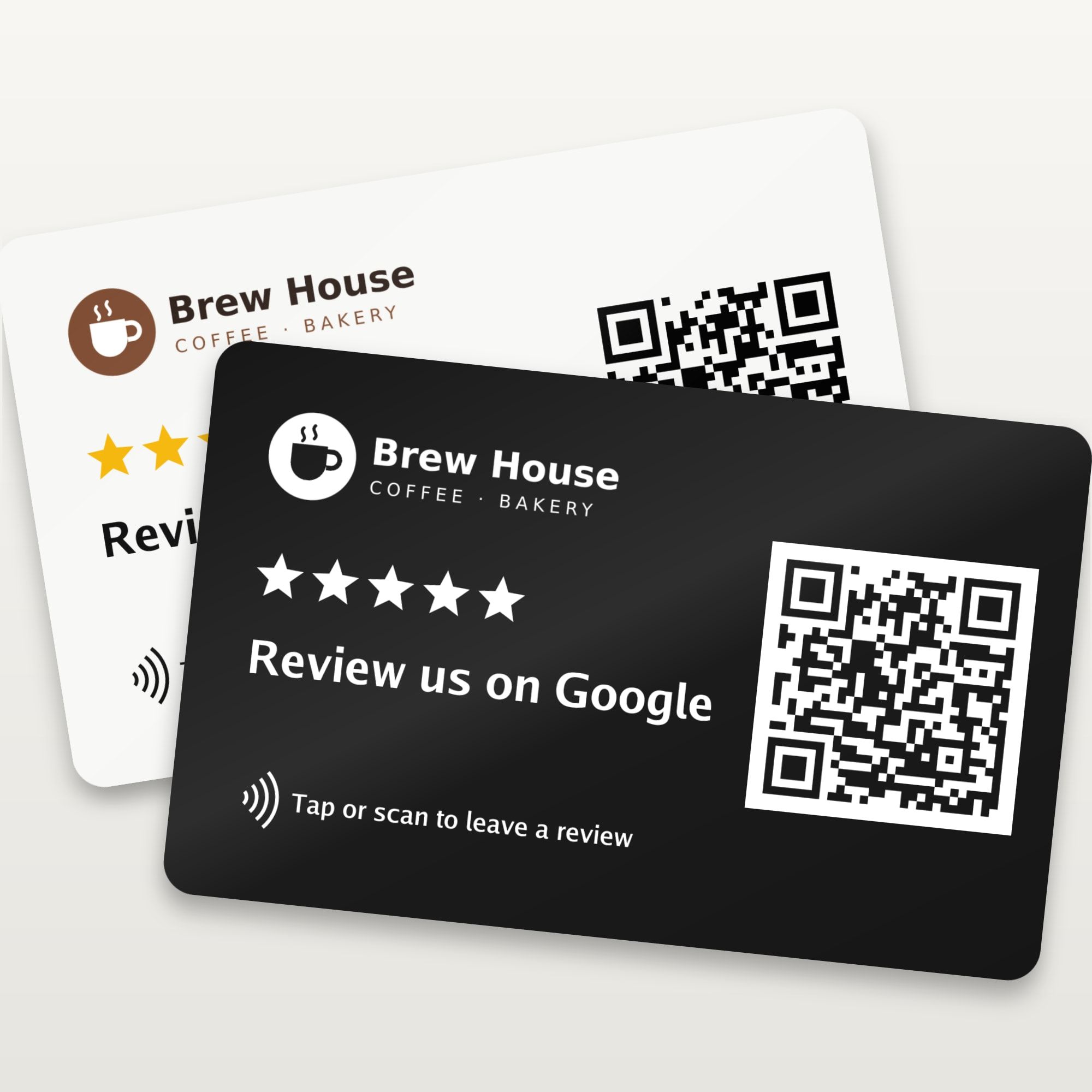
Google Review NFC Card – Tap or Scan to Review
by NFC Review Card
- Sure! Please provide the product features you'd like me to highlight, and I'll create the list for you.
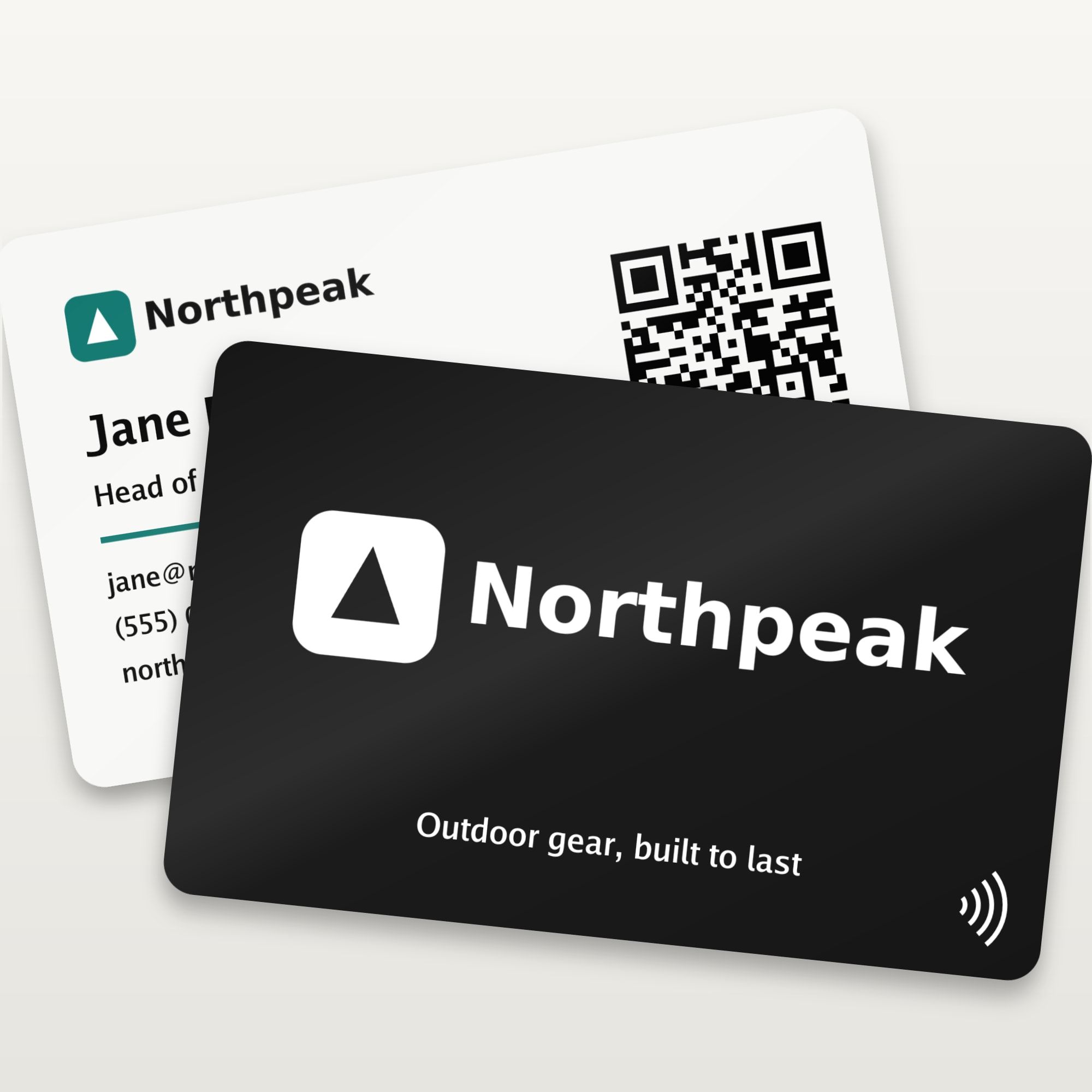
Custom NFC Business Card with Logo – Tap to Share
by NFC Business Card
- Sure! Please provide the product features you'd like me to focus on.
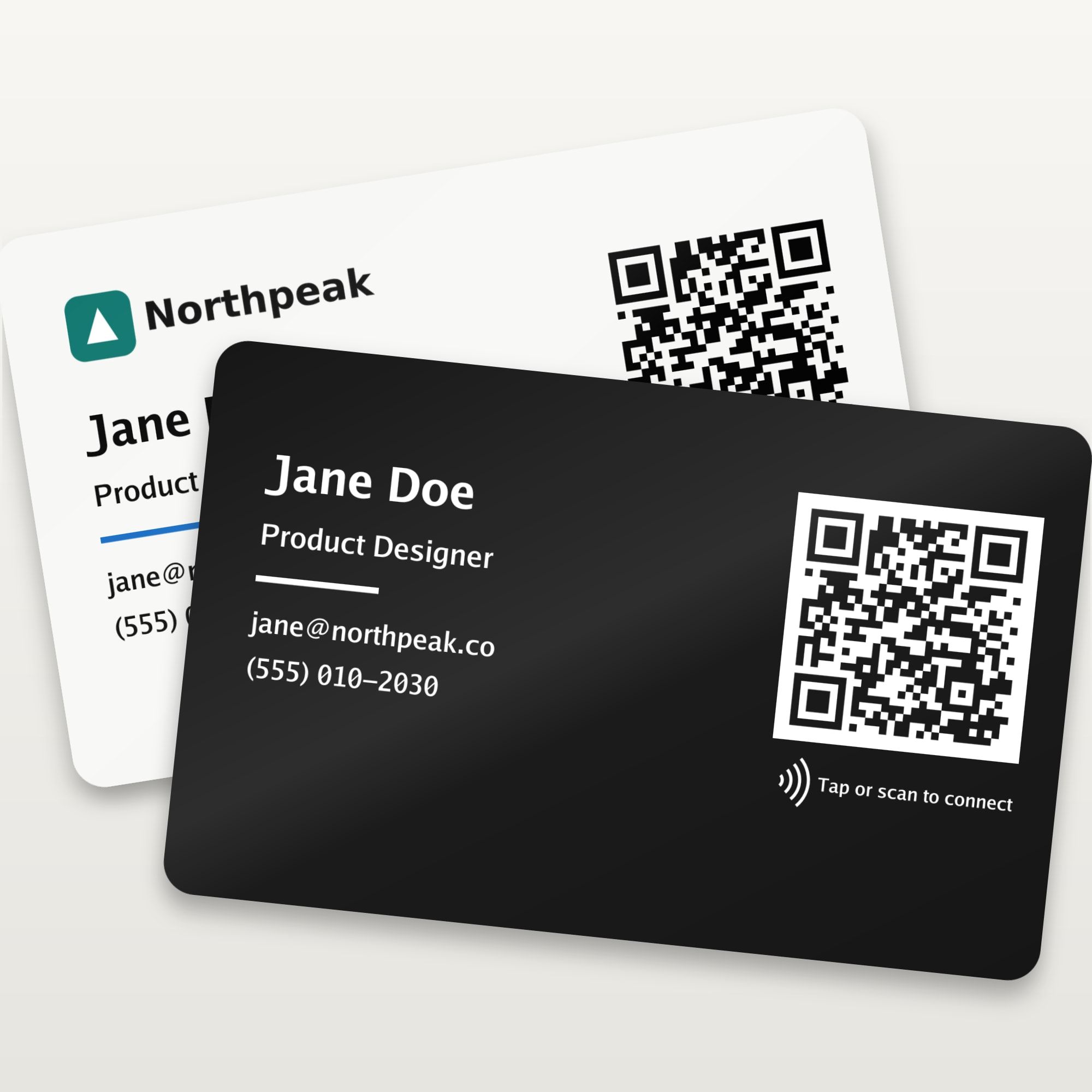
LinkedIn NFC Business Card – Tap to Connect
by NFC Business Card
- Sure! Please provide the product features you'd like to focus on, and I can create highlights for you.

by TapSnap
- No Subscription Fees: Unlimited taps with a one-time purchase!**
- Tap/Scan for Instant Reviews: Easy access, no app needed!**

by TapSnap
- No Monthly Fees: One Purchase, Unlimited Taps & Scans!**
- Tap or Scan: Instant Reviews with No App Required!**
- Versatile NFC Cards: Reusable & Easy to Set Up!**
I’ve set up these cards for local service businesses, front desks, pop-up booths, and counter-based retail, and the same pattern keeps showing up: a well-programmed card can outperform a printed “leave us a review” sign because the phone opens the review page almost instantly. The difference between a generic card and one that actually works is usually setup quality, NFC compatibility, and how cleanly the Google review link is programmed.
If you want a clear answer to How to Make Google Review Nfc Card Fast in 2026?, this guide walks you through the exact build process, the fastest setup method, what to buy at each budget level, and the mistakes that cause scan failures or poor review conversion.
How we select products: Our team reviews products daily, analyzing customer ratings (4.0+ stars minimum), setup friction, bulk-order value, material durability, redirect reliability, and real buyer feedback to surface options that deliver practical results for local businesses.
What is a google nfc review card and why is it working so well in 2026?
A google nfc review card is a physical card, stand, sticker, or tag that contains an NFC chip programmed with your Google review URL. When a customer taps a compatible phone, it opens the review page directly, removing the need to search manually.
That speed matters. In most in-store use cases, tap-to-review beats text instructions because it cuts the process from several steps to one. A nfc card for google review works especially well at checkout counters, reception desks, waiting rooms, and handoff moments where the customer is already holding a phone.
The best-performing setup in 2026 is usually simple:
- One NFC tap
- A backup QR code
- A direct Google review deep link
- A short call to action with 5-7 words
If you’re comparing formats, a google review card nfc is usually better for desks and staff handoffs, while stickers are stronger for counters, packaging, and point-of-sale placement. If you want more sticker-specific comparisons, you can review buy google review qr stickers in detail.
How to Make Google Review Nfc Card Fast in 2026? The quickest setup that actually works
If your goal is speed, the fastest method is to use a blank NFC card, generate your direct Google review link, and write that URL to the card using an NFC writing app. You do not need custom printing to get started.
Here’s the exact process I recommend for how to make google review nfc card setups fast:
Get your Google review link
- Open your Business Profile dashboard.
- Find the “Ask for reviews” option.
- Copy the direct review URL.
Choose an NFC card type
- Standard PVC cards work well for hand-to-hand use.
- Table stands are better for front desks.
- Waterproof tags are better for outdoor or mobile service teams.
Use an NFC writing app
- Open the app on an NFC-enabled phone.
- Select “write URL” or equivalent.
- Paste your Google review link.
Tap the blank card to encode it
- Hold the card steady against the phone.
- Wait for the app to confirm the write was successful.
Test on multiple phones
- Test at least one newer Android phone and one recent iPhone.
- Confirm it opens the exact review destination, not just the business profile.
Add a printed backup QR code
- Around 10-20% of users will still prefer scanning instead of tapping.
- This also helps if NFC is disabled on a device.
That is the fastest proven path for how to create nfc google review card without waiting for a custom manufacturer.
How to make nfc google review card without buying expensive custom equipment
You can build a working nfc google review card with three basic components:
- A writable NFC card or tag
- A Google review URL
- A phone with NFC write capability
That’s it.
For most small businesses, the best budget approach is to buy blank cards in a small pack first, test one, and only then scale to google review nfc card bulk. Bulk buying before testing is the easiest way to end up with 50 to 200 units programmed incorrectly.
The fastest DIY stack for beginners
If you’re learning how to make nfc google review card projects for the first time, this stack is the safest:
- Writable NFC PVC card
- Phone-based NFC writing app
- Shortened or direct review URL only if stable
- Printed QR fallback
- Water-resistant lamination if the card sits on a counter
A raw DIY setup is usually enough for a salon desk, clinic counter, repair shop, café register, or event booth. If you want broader comparisons of card formats, Workers has additional examples of display styles and use cases.
Our selection criteria: what separates a reliable nfc card google review setup from a gimmick?
I don’t judge these cards by looks first. I judge them by tap reliability, phone compatibility, and whether they get the customer to the review screen with minimal friction.
Here are the standards I use before recommending any best nfc google review card option:
NFC chip compatibility
- The card should work with current Android devices and recent iPhones.
- Cards using widely supported chip types usually create fewer failed taps.
Fast write and lock stability
- A good card encodes cleanly on the first attempt.
- Poor-quality cards often show inconsistent writes across a batch.
Direct review-path accuracy
- The best cards open the review flow directly.
- Cards that land on a homepage or broad business listing convert worse.
Material durability
- PVC holds up well indoors.
- Acrylic or coated displays perform better in high-touch areas.
Bulk consistency
- For google review nfc card bulk, batch consistency matters more than fancy design.
- A 5% failure rate in a batch of 100 is already too high for serious use.
Backup scanning option
- The best setups include QR.
- That hybrid approach usually captures more users than NFC alone.
Best options by budget: under-entry level, mid-range sweet spot, and premium display builds
Most buyers don’t shop by technology first. They shop by budget and speed.
Best starter option: blank card plus printed QR
This is the best low-cost path if you need something working today. A plain nfc google review card with a QR code sticker gives you functional speed without waiting for custom printing.
Best for:
- Solo professionals
- Market stalls
- Test runs at one location
- Businesses still learning how to setup google review nfc card
Best value setup: branded countertop card with QR backup
This is the sweet spot for most storefronts. You get a cleaner presentation, better customer trust, and easier staff prompting at checkout.
Best for:
- Clinics
- Salons
- Restaurants with front-desk traffic
- Retail counters with steady footfall
Best premium option: multi-location bulk order with pre-encoded chips
This is the strongest option for chains or agencies managing many profiles. If you’re ordering google review nfc card bulk, pre-encoding saves hours and lowers programming errors across locations.
Best for:
- Franchises
- Marketing agencies
- Hospitality groups
- Teams managing more than 3 locations
If you’re comparing more product roundups, https://dashai.ghost.io covers additional tag-style formats that work beyond standard cards.
How to setup google review nfc card so customers actually use it
A lot of businesses learn how to setup nfc google review card technically, but still place it badly. Placement affects conversion more than most owners expect.
The highest response spots are usually:
- Right beside the payment terminal
- At eye level on the reception desk
- Inside takeaway packaging inserts
- Near the exit where satisfaction is freshest
Use short copy. The best-performing prompts are usually under 8 words, such as “Tap to leave a review.”
Pro tip:
Cards placed flat on a cluttered counter often underperform upright displays by a noticeable margin because customers simply don’t see them. In quick-service environments, vertical presentation usually gets more taps than horizontal placement.
If you need visual inspiration for related formats, some users also browse Blogspot for sticker-first layouts.
What to look for before you buy a nfc card for google review
If you’re deciding what to buy, these are the details that matter most.
1. Chip type and rewrite support
A card that can be tested, rewritten, and then locked later is ideal. That gives you a chance to verify your Google link before final deployment.
2. Material thickness
Cards that are too thin can feel disposable. Standard card thickness tends to feel more trustworthy in a customer’s hand and survives repeated use better.
3. Print visibility
Your card should clearly show:
- Business name
- Tap instruction
- QR code
- Short review prompt
If the instruction text is tiny, users hesitate. That alone can lower engagement.
4. Multi-device compatibility
Test before rollout. A nfc google review card near me search may show local vendors, but local availability means little if the card isn’t consistently readable across devices.
5. Packaging for bulk orders
For google review nfc card bulk, individually protected cards reduce scratches and write errors during shipping. That matters more if you’re distributing cards to multiple branches.
Red flags to watch: what real review patterns usually reveal
Not every nfc card google review listing is worth your time. Across buyer feedback, the same complaints keep appearing.
Red flag 1: weak tap sensitivity
If buyers repeatedly mention “had to tap several times,” skip it. A review-request tool should work on the first or second try, not the fifth.
Red flag 2: unclear encoding instructions
Poor setup directions create false negatives. Many “defective” cards are actually fine, but the seller’s instructions are vague enough to cause programming errors.
Red flag 3: no QR backup
A card without QR limits your conversion options. A hybrid card captures more users across device types and comfort levels.
Red flag 4: suspiciously inconsistent bulk feedback
If single-unit reviews look great but bulk buyers report failures, be careful. Batch inconsistency is one of the most expensive issues in google review nfc card bulk purchases.
Red flag 5: marketplace listings with thin specs
Listings that don’t clearly state chip type, material, or write method often create setup friction. This is especially common in broad marketplace searches like google review nfc card aliexpress, where visual design can overshadow technical details.
For additional examples and adjacent product browsing, some users also check https://snapblog99.blogspot.com and image-based result trails such as www.google.bg or view page before narrowing down formats.
How to Make Google Review Nfc Card Fast in 2026? The smartest workflow for one location vs many
The answer changes depending on scale.
For one location
The fastest route is DIY:
- Buy a small batch of blank NFC cards
- Encode one test card
- Verify the link
- Add QR
- Deploy at checkout
This is the best route if you’re still proving whether a google review card nfc setup fits your customer flow.
For multiple locations
The fastest route is semi-custom bulk ordering with pre-tested redirect logic. If you manage several profiles, centralize the review-link spreadsheet first so you don’t accidentally assign the wrong location URL to the wrong card.
For agencies and resellers
Standardize the process:
- Client name
- Profile URL
- QR asset
- NFC write verification
- Device test log
That workflow reduces mistakes and makes how to use nfc google review card systems much easier for staff to explain.
Is a google review nfc card worth it in 2026?
Yes — if your business gets in-person customer traffic and your team can present the card at the right moment.
An NFC review tool is most worth it when:
- Customers finish service on-site
- Reviews influence local search visibility
- Staff already asks for feedback
- You want a faster alternative to printed instructions
It’s less effective if your business is fully remote or if customers leave before any review request happens. In those cases, SMS or email review flows may perform better than a static nfc google review card india or location-based counter card setup.
The single biggest ROI factor is not the card itself. It’s whether the customer sees it immediately after a positive experience.
Frequently Asked Questions
how to use nfc google review card
To use an nfc google review card, the customer taps their phone on the card and their device opens the Google review page. The best setup also includes a QR code, so people can scan if NFC is off or unsupported.
how to make nfc google review card
To how to make nfc google review card setups, you need a writable NFC card, your Google review link, and an NFC writing app. Write the review URL to the card, test it on multiple phones, and add a printed QR code for backup.
how to make google review nfc card
If you want to how to make google review nfc card fast, use a blank NFC PVC card instead of waiting for custom printing. Program the card with your direct review link, confirm it opens the correct page, and place it where customers naturally pause after payment.
how to setup google review nfc card
To how to setup google review nfc card correctly, position it near checkout, reception, or the service handoff point. Use short on-card text, test device compatibility first, and make sure the tap opens the review prompt with as few extra clicks as possible.
how to create nfc google review card
To how to create nfc google review card systems for real-world use, start with one test card before ordering in volume. The most important criterion is tap reliability across different phones, because even a great-looking card fails if customers need multiple attempts to open the review page.


Comments
Post a Comment